Speed Up YouTube Videos with One Click
No need to open submenus or pay for basic features that should be included by default. Adjust playback from 0.1x to 15x with fine-grained control using the mouse or keyboard shortcuts.
 Add to Chrome
 Everything You Need for Perfect Playback
This is how the YouTube speed controls should work, get ready to take full control and save time.
Choose Buttons or Slider
Change playback speed the way you prefer. Use the + and - buttons for quick step changes or switch to a draggable slider for fast, fine-grained control.
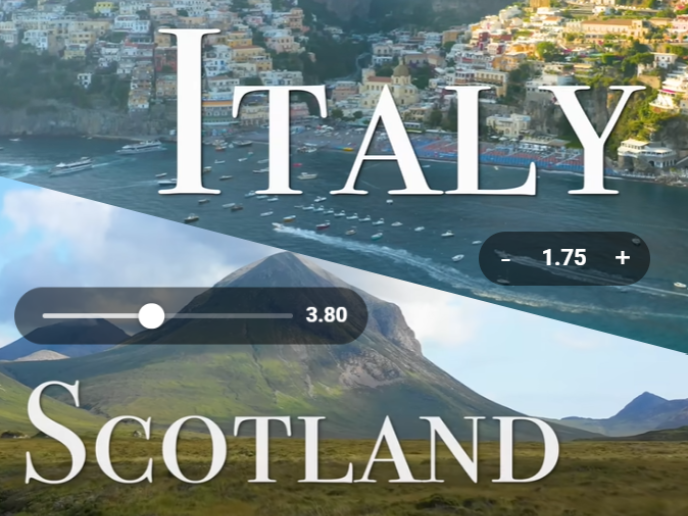
Precise Speed Control
Adjust playback speed from 0.1x to 15x, choose your speed increment, and customise the range to match tutorials, lectures, music practice, or speed-watching content.
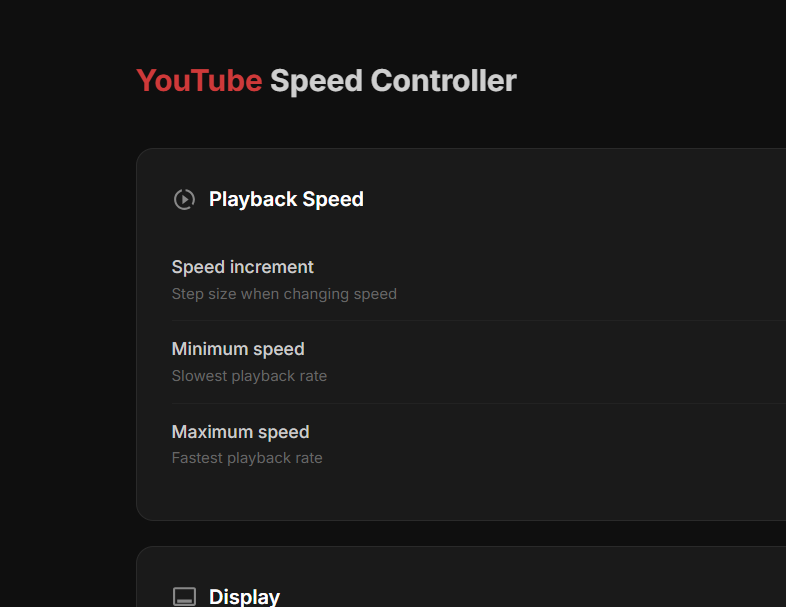
Available on all platforms
Available on Chrome, Edge, and Brave across Windows, macOS, and Linux, so your playback controls stay consistent wherever you watch.
Remembers Your Settings
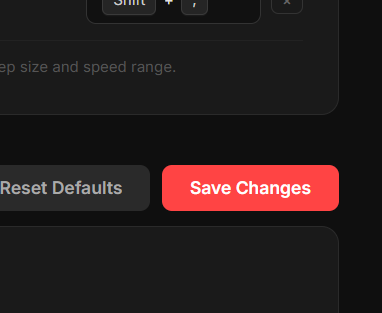
Your preferred speed, speed increment, minimum and maximum range, auto-hide delay, and control style are saved so new videos feel consistent.
Pay Once, Enjoy Forever
Get started for free, or unlock all features with a one-time payment.
Free
Everything you need to get started with better playback control.
$0forever
- Customise speed increment
- Set your playback range from 0.1x to 15x
- Choose buttons or slider controls
- Adjust controller auto-hide delay
- No logins required
Premium
Unlock the advanced extras on top of the full free feature set.
EARLYBIRD$4.99$1.75one-time
- Everything included in Free
- Customisable keyboard shortcut keys
- Import/export settings for portability
- Lifetime access, no subscription
Secure payment via Polar.sh
Upcoming Features
We are constantly working to improve the extension. Here is what we are working on.
- Add customisable speed increment
- Hide controller after customisable time in seconds
- Introduce Premium version
- Add customisable keyboard shortcuts for keyboard - Premium Only
- Add option to change playback speed with a slider instead of buttons
- Add import/export of user settings for portability - Premium Only
- What's next?
Have a feature in mind? Leave a review and tell us what you'd like to see next!
Frequently Asked Questions
Got questions? We've got answers. If you don't find what you're looking for, feel free to reach out.
Still have questions? Contact us
Ready to Take Control?
Join 288+ users who have enhanced their YouTube experience. Install the free Chrome extension now.
Add to Chrome★★★★★ Free • No sign-up required